


Clipping Path vs. Image Masking: Which One Does Your Product Need?
You took a great product photo. Now you need to remove the background. You cut it out, but the edges look rough. Or a soft wool sweater looks like it has a hard plastic outline.
This usually happens when the wrong method is used. The two most common methods are the clipping path and image masking. In this guide, you will learn what each one does, where each works best, and how to choose.
What Is a Clipping Path?
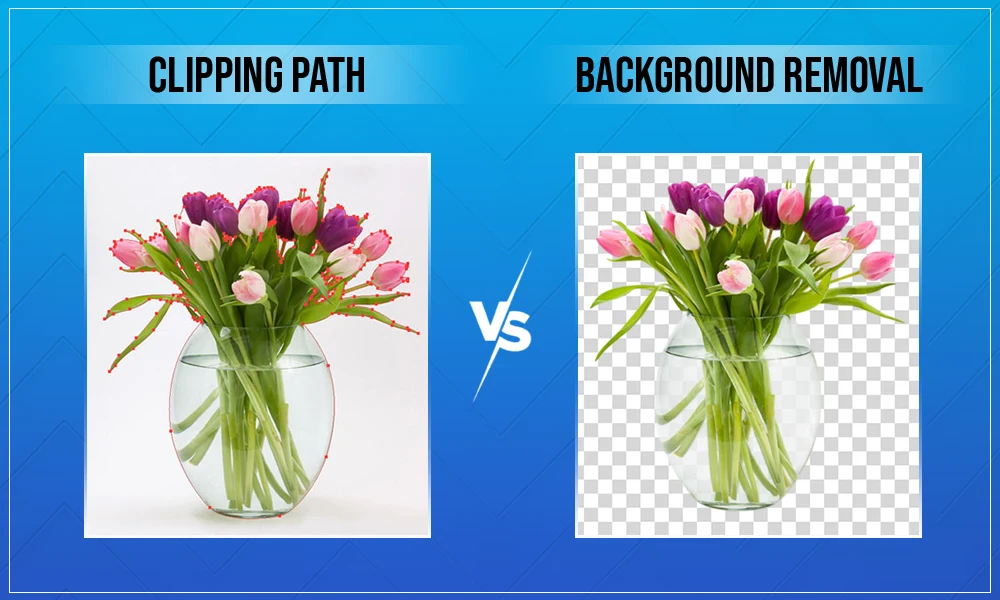
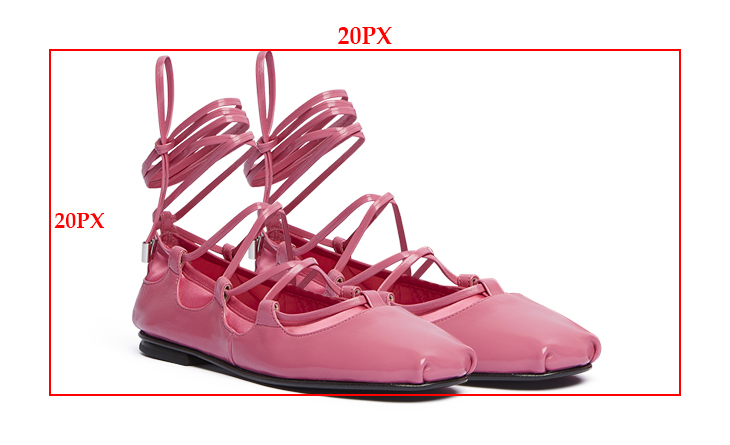
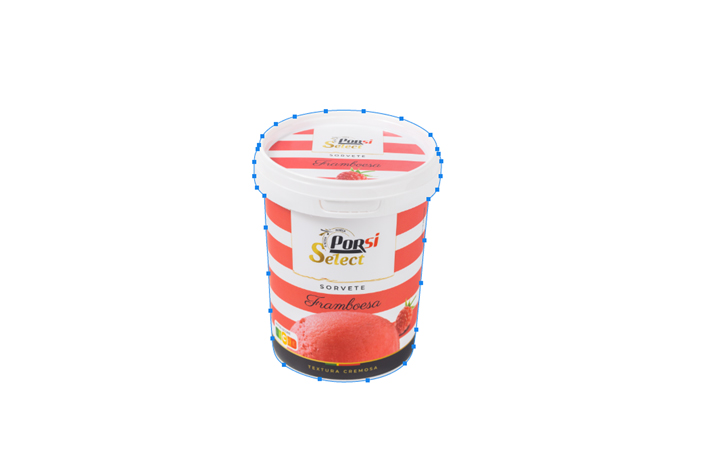
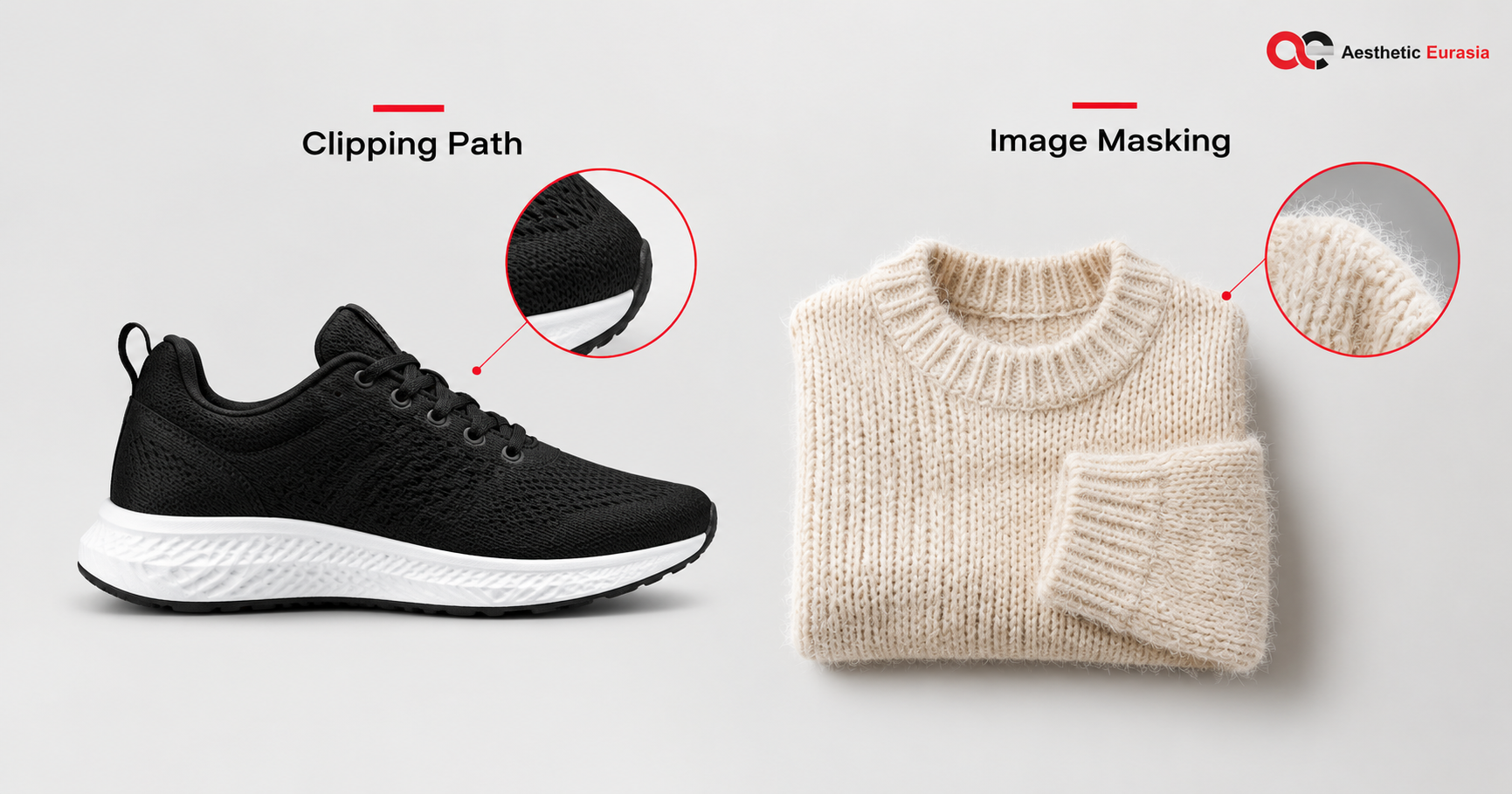
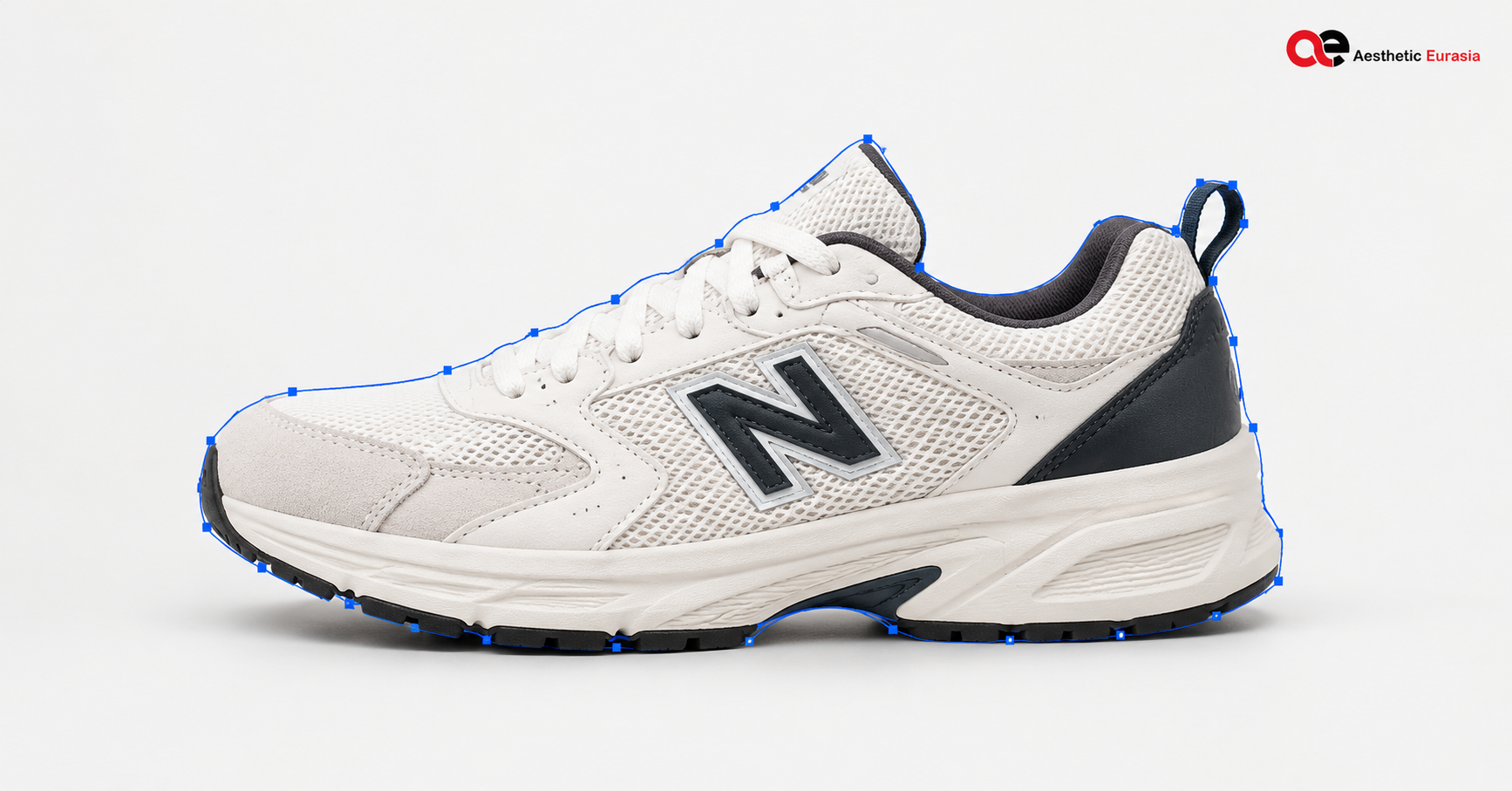
A clipping path is a smooth line drawn around your product. Editors usually draw it with the Pen Tool in Photoshop. Everything inside the line stays. Everything outside is removed.
The line is made of points and curves, not pixels. That is why the edge looks sharp and clean. Photoshop also lets you save a clipping path with the image, so other programs can use it.
A clipping path works well for products with hard, clear edges:
- Bottles and jars
- Boxes and packaging
- Shoes and watches
- Furniture and lamps
- Phones and gadgets
The limit: a clipping path makes a hard edge. It cannot show soft hair, fur, or fuzzy fabric well.
What Is Image Masking?
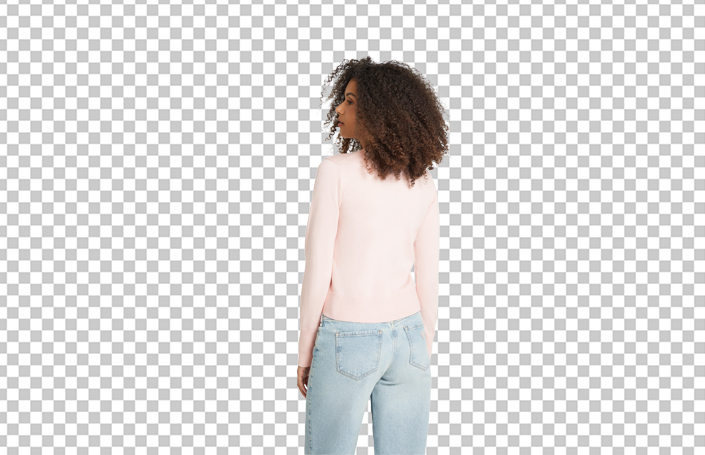
A mask decides how much of each pixel you can see. A pixel can be fully visible, partly visible, or hidden. Those “partly visible” pixels create soft, natural edges.
Masking is useful for products with fine or soft details:
- Fur and hair
- Feathers
- Knit and woolen clothes
- Fringes and loose threads
- Thin, see-through fabric like tulle
The limit: masking takes more time and care. Glass, smoke, and fully clear items can also need special methods, not just a basic mask.
Clipping Path vs. Image Masking: Key Differences
| Clipping Path | Image Masking | |
| How it works | A smooth vector line around the product | Pixel-level control of what shows |
| Best for | Hard, clear edges | Soft, fine, or see-through edges |
| Fine details | Weak | Strong |
| Transparent items | Not suitable alone | Helps, but may need extra work |
| Editing later | Easy to adjust the line | Easy to adjust with brush strokes |
| Common use | Shoes, boxes, furniture | Fur, hair, wool, feathers |
| Main limit | Hard edges only | Slower and needs skill |
Neither method is better in every case. The right choice depends on your product’s edges.
Which Technique Is Best for Different Product Types?
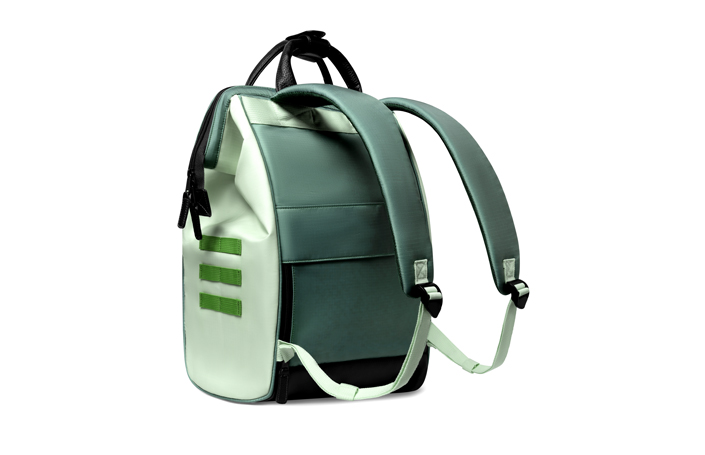
- Shoes, bags, leather goods: Start with a clipping path. Use a mask for fuzzy parts like suede texture or loose stitching.
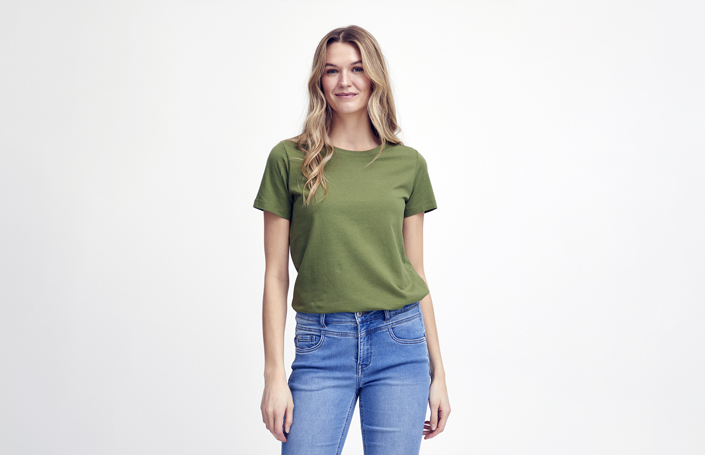
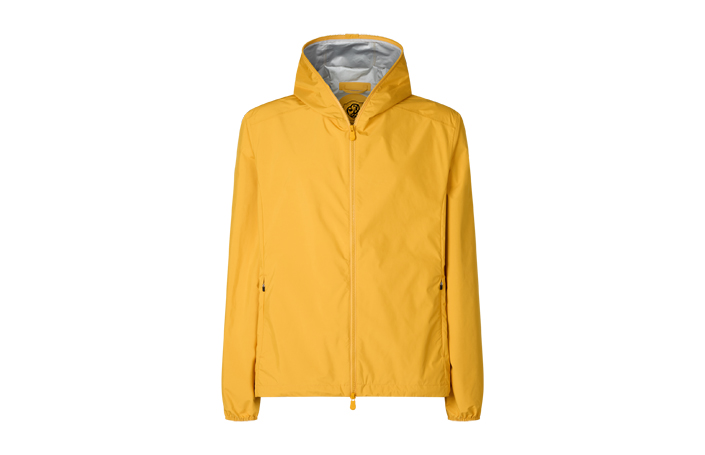
- Clothing: Use a clipping path for firm clothes like jackets. Use masking for knits, fur trim, and loose fabric edges.
- Jewelry: A clipping path works for solid metal pieces. Stones and clear parts often need extra care.
- Furniture and décor: Clipping path. The edges are mostly firm and clear.
- Cosmetics and packaging: Clipping path for bottles, tubes, and boxes. Shine and reflections may need retouching.
- Glass and clear containers: These need a special workflow. A path gives the shape, and extra masking keeps the see-through look.
- Fur, hair, feathers: Image masking.
Clipping Path vs. Image Masking for E-commerce Background Removal
Background removal is the goal. Clipping path and masking are two ways to reach it.
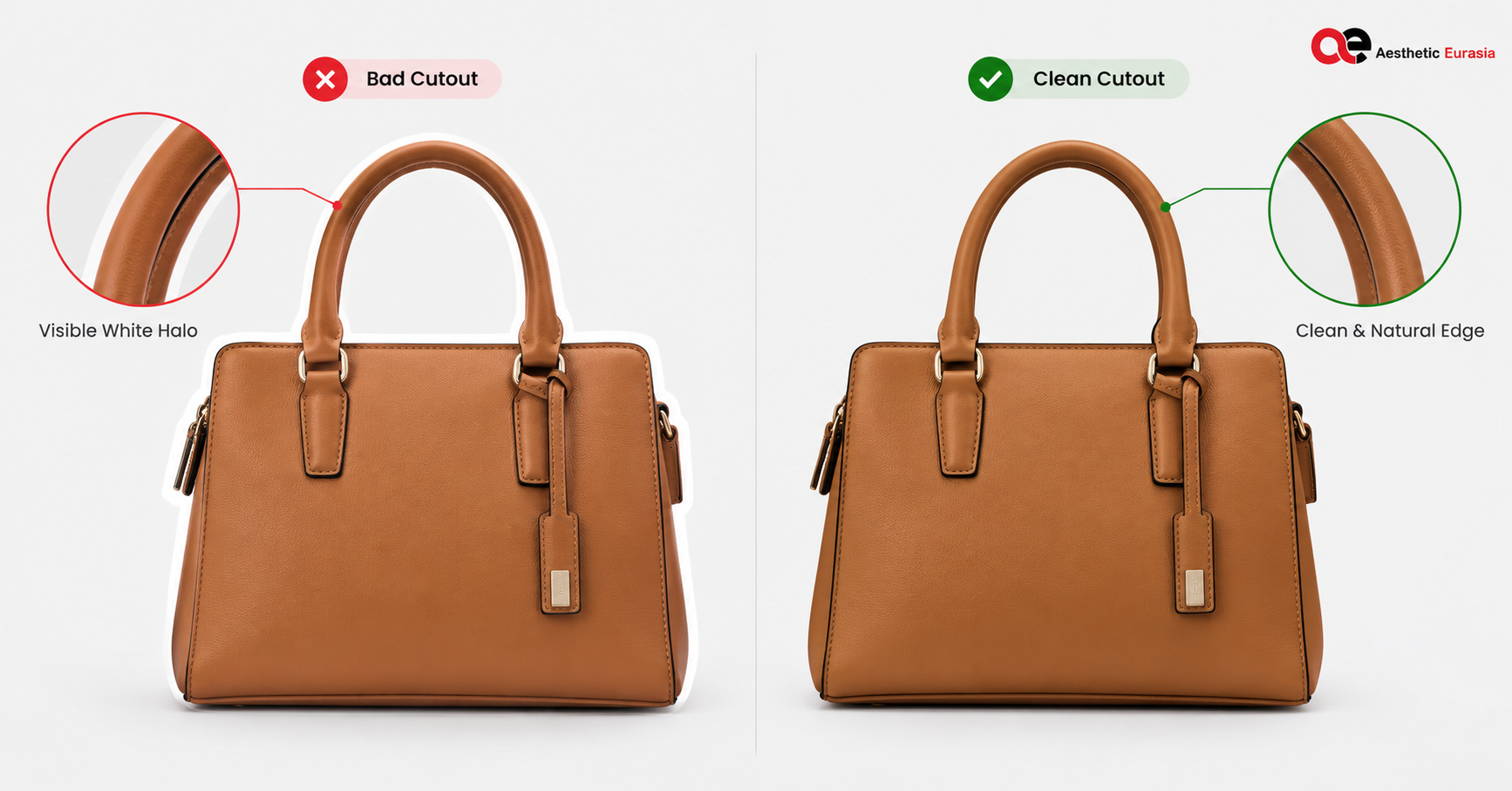
For online stores, clean edges matter. Bad edges show up as:
- Halos: a light line around the product
- Jagged edges: rough, stair-step outlines
- Cut-out look: the product seems pasted on
To avoid these, check each image at 100% zoom. Test it on white and on a dark color too. A good cutout looks natural on both.
Consistency also matters. When all product images in your catalog share the same clean style, your store looks more professional. Good results depend on skilled editors and a careful check at the end.
Choosing the right background removal technique is only one part of professional product image editing. From clean cutouts to precise edge refinement, the right editing approach helps your products look consistent and professional across your online store. Explore our professional photo editing services to find the right solution for your product images.
Can Clipping Paths and Image Masking Be Used Together?
Yes, and this is common.
Imagine a leather handbag with a fur charm hanging from it. The bag has firm edges, so a clipping path is the right tool. The fur charm has soft edges, so it needs masking.
An editor can use the path for the bag and a mask for the charm, then blend them. The goal is not to use a certain tool. The goal is a clean, natural image.
How to Choose the Right Clipping Path or Image Masking Service
Before you hire, check these points:
- Similar products: Have they edited products like yours?
- Edge quality: Are the edges smooth and natural, with no halos?
- Fine details: Can they handle hair, fur, and clear items?
- Batch consistency: Do 100 images look the same as 1?
- File needs: Can they deliver the format, size, and background you need?
- Revisions: What happens if you need a fix?
- Quality checks: Do they review images before delivery?
- Portfolio: Can they show work close to your products?
Start with a small test batch. It is the easiest way to see real quality.
Final Verdict: Which One Does Your Product Need?
- Hard, clear edges? Start with a clipping path.
- Soft, fine, or partly see-through edges? Choose image masking.
- Both types on one product? Use both together.
The main difference is simple. A clipping path gives a clean, sharp line. Masking gives soft, natural edges. When you are unsure, look at your product’s edges and choose from there. If you want expert help, you can explore the photo editing services at Aesthetic Eurasia or contact the studio.
Frequently Asked Questions
What is the main difference between clipping path and image masking?
A clipping path is a sharp line around a hard-edged object. Masking controls pixel visibility, so it can create soft edges. Use paths for firm shapes and masks for fine details.
Is clipping path or image masking better for product photography?
Neither is better in every case. Clipping paths suit most hard-edged products. Masking suits fur, hair, and fuzzy fabric.
Can a clipping path remove the background from hair or fur?
Not well. A path makes a hard edge, so hair looks cut out. Masking keeps the soft strands.
Is image masking suitable for transparent products?
Sometimes, but not alone. Glass and clear items often need extra steps to keep the see-through look.
Is background removal the same as clipping path?
No. Background removal is the result. A clipping path is one method to get it.