

Amazon Product Image Requirements: A Seller’s Practical Guide
Amazon can change its image rules at any time. Check the latest official guidelines before you upload your images.
You found a great product and took photos you love. Then Amazon suppresses your listing because the background was not white enough. This happens to many new sellers.
Shoppers cannot touch or test a product online, so your images do that job. Amazon sets clear rules for listing photos. Knowing the Amazon product image requirements before you upload can save you days of fixes. This guide covers main image rules, size and format specs, extra images, and common mistakes.
Why Are Product Images Important for Amazon Listings?
Shoppers judge your images before they read your title or bullet points.
Strong images make a good first impression and build trust. They show color, texture, size, and features that words cannot. They also reduce confusion about what the product looks like, so customers can decide with more confidence.
Amazon Main Image Requirements
The main image appears in search results and at the top of your listing. It has the strictest rules. Amazon explains them on its product image requirements page. In simple terms:
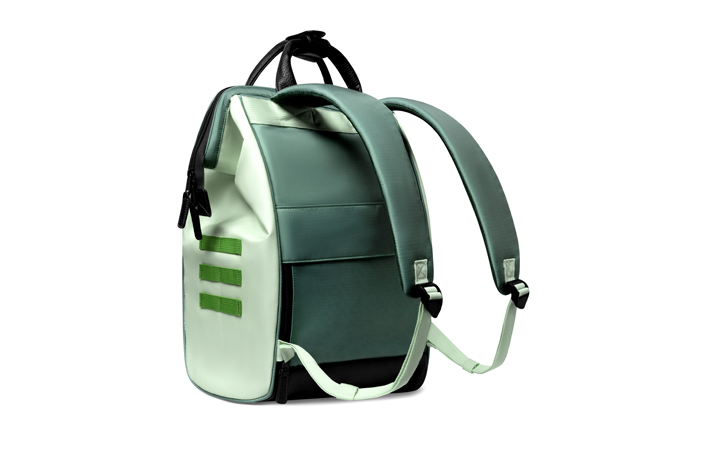
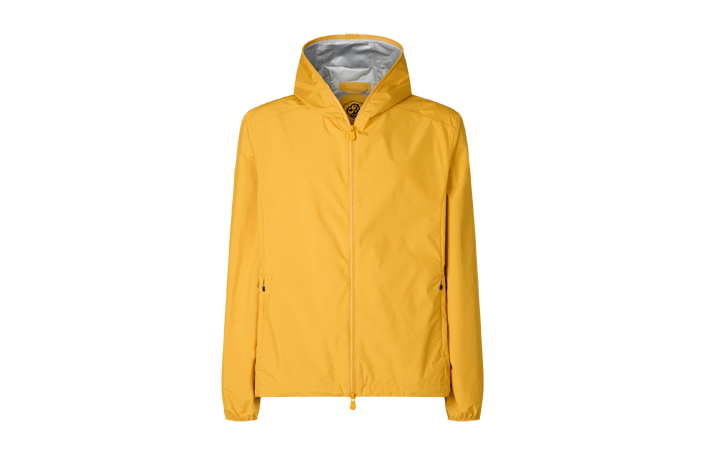
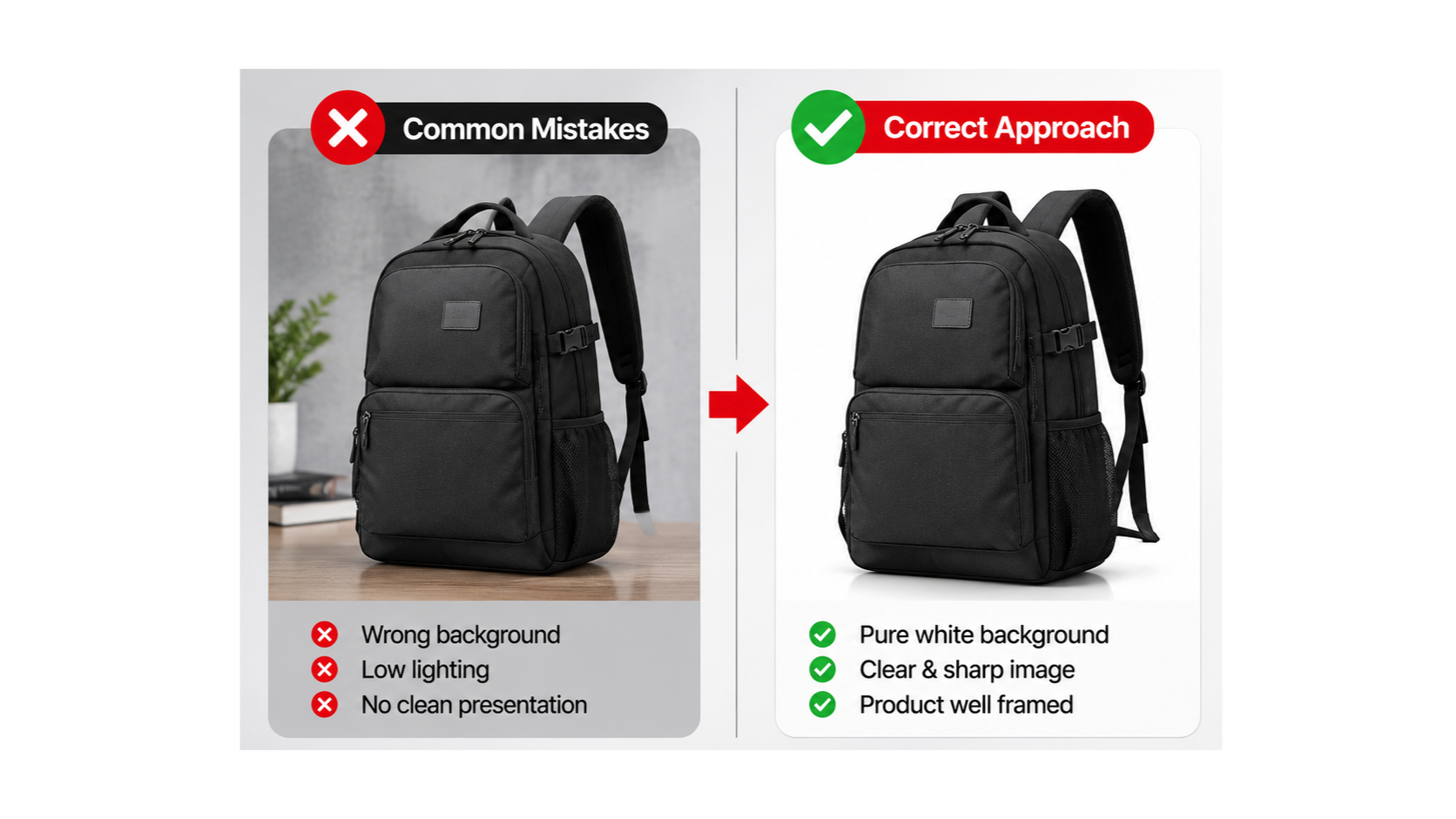
- Pure white background. Use RGB 255, 255, 255. Off-white or light gray can get your image flagged.
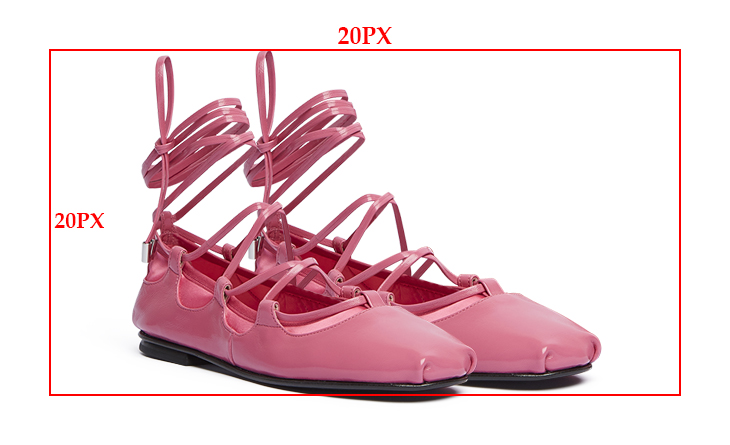
- Product fills about 85% of the frame. A small product floating in empty space is hard to see.
- Show the real product. Use a photograph, not an illustration. Show the whole product once, with nothing cropped.
- No unnecessary props. Show only what the customer receives. Extra items can mislead buyers.
- No text, watermarks, borders, or promotional graphics. They distract from the product.
- Sharp and well lit. Shoppers should see edges and details clearly.
Some categories have their own rules. A limited number of product types may allow a different main image style. Always check your category.
Amazon Product Image Size and Technical Requirements
Image size matters because it controls zoom. Here are the specs most sellers need. Rules and tips are labeled separately.
| Spec | What to know | Type |
| File format | JPEG, TIFF, PNG, or non-animated GIF | Rule (JPEG is the common choice) |
| Smallest size | 500 pixels on the longest side | Rule |
| Largest size | 10,000 pixels on the longest side | Rule |
| Zoom | 1,000 pixels or more on the longest side | Recommendation |
| Color mode | RGB | Common best practice |
Larger files give a sharper zoom. Do not enlarge a small photo, because it will look soft. Size limits can vary by marketplace or category, so confirm them on Amazon’s Add Product Images and Video page.
Amazon Additional Product Image Requirements
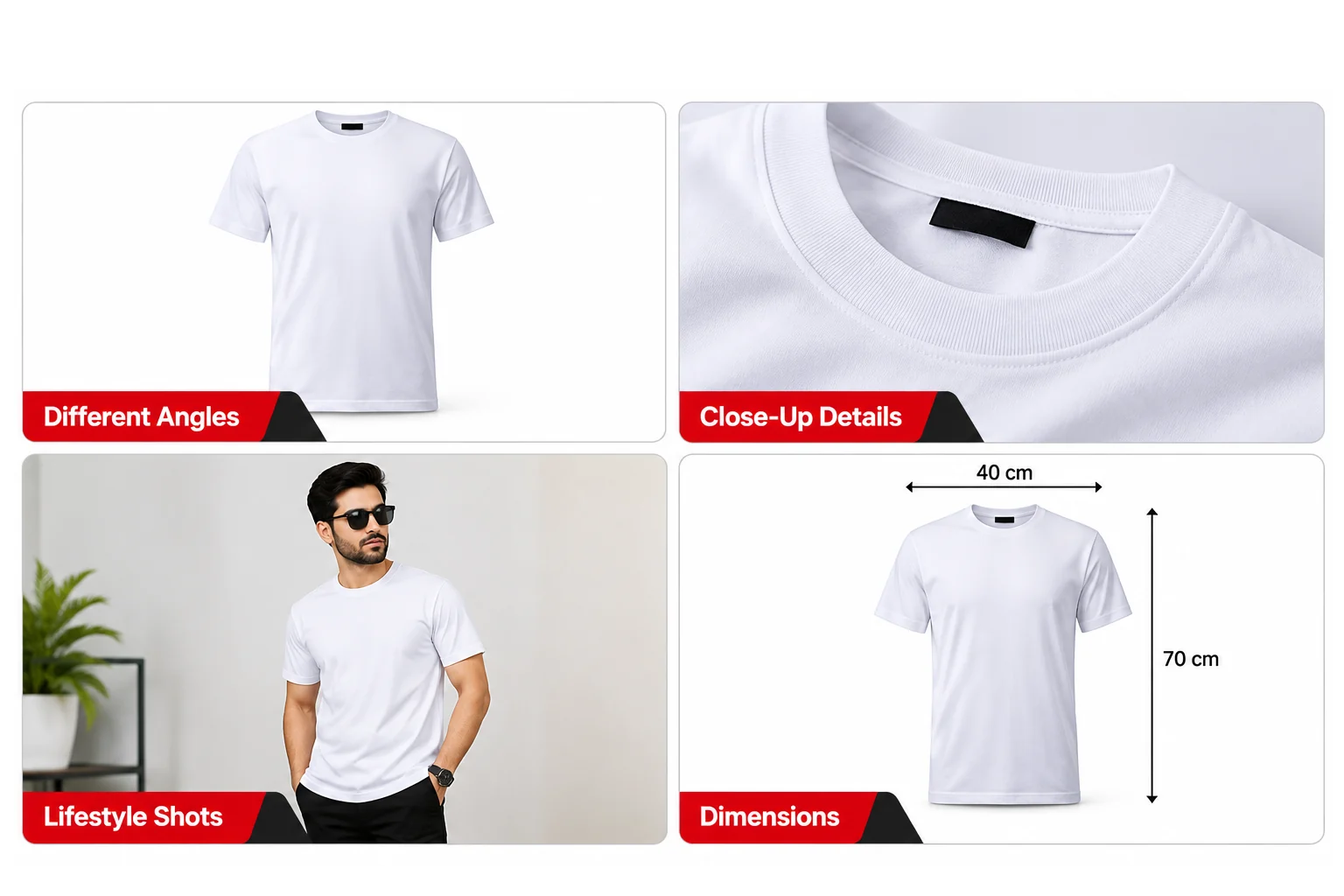
Additional images show what the main image cannot. Use them to answer questions before shoppers ask.
- Different angles: front, back, and sides.
- Close-ups: fabric, stitching, ports, or finish.
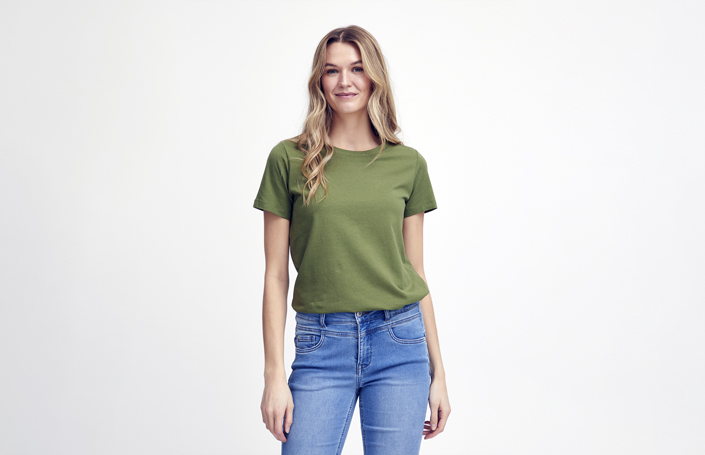
- Lifestyle photos: the product in a real setting.
- Size and feature images: dimensions or key features.
- Variations: other colors or styles.
- Usage images: how the product works.
These slots usually give you more creative freedom than the main image. They must still show the product accurately and follow Amazon’s content rules. Check the official page for limits on text, claims, and category rules.
Common Amazon Product Image Mistakes to Avoid
- Wrong background. Off-white backgrounds are easy to miss. Set the background to RGB 255, 255, 255 and check it with an eyedropper tool.
- Promotional text on the main image. Move badges and slogans to additional images.
- Blurry or low-resolution images. Reshoot with steady focus, or export at 1,000 pixels or more.
- Cropped details. Leave a small margin so the whole product stays visible.
- Inaccurate colors. Compare your photo with the real product and correct any shift.
- Misleading props. Remove anything the customer will not receive.
- Ignoring category rules. Read the guidelines for your category before uploading.
 How Professional Image Editing Helps Amazon Sellers
Even a good photo often needs editing before it meets Amazon’s standards. Aesthetic Eurasia is a professional eCommerce image editing partner. Here is how its services map to common image problems:
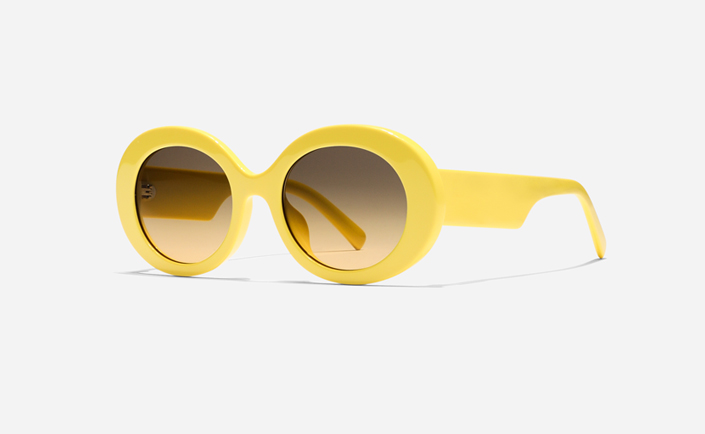
- Background removal gives you a clean, pure white background for the main image.
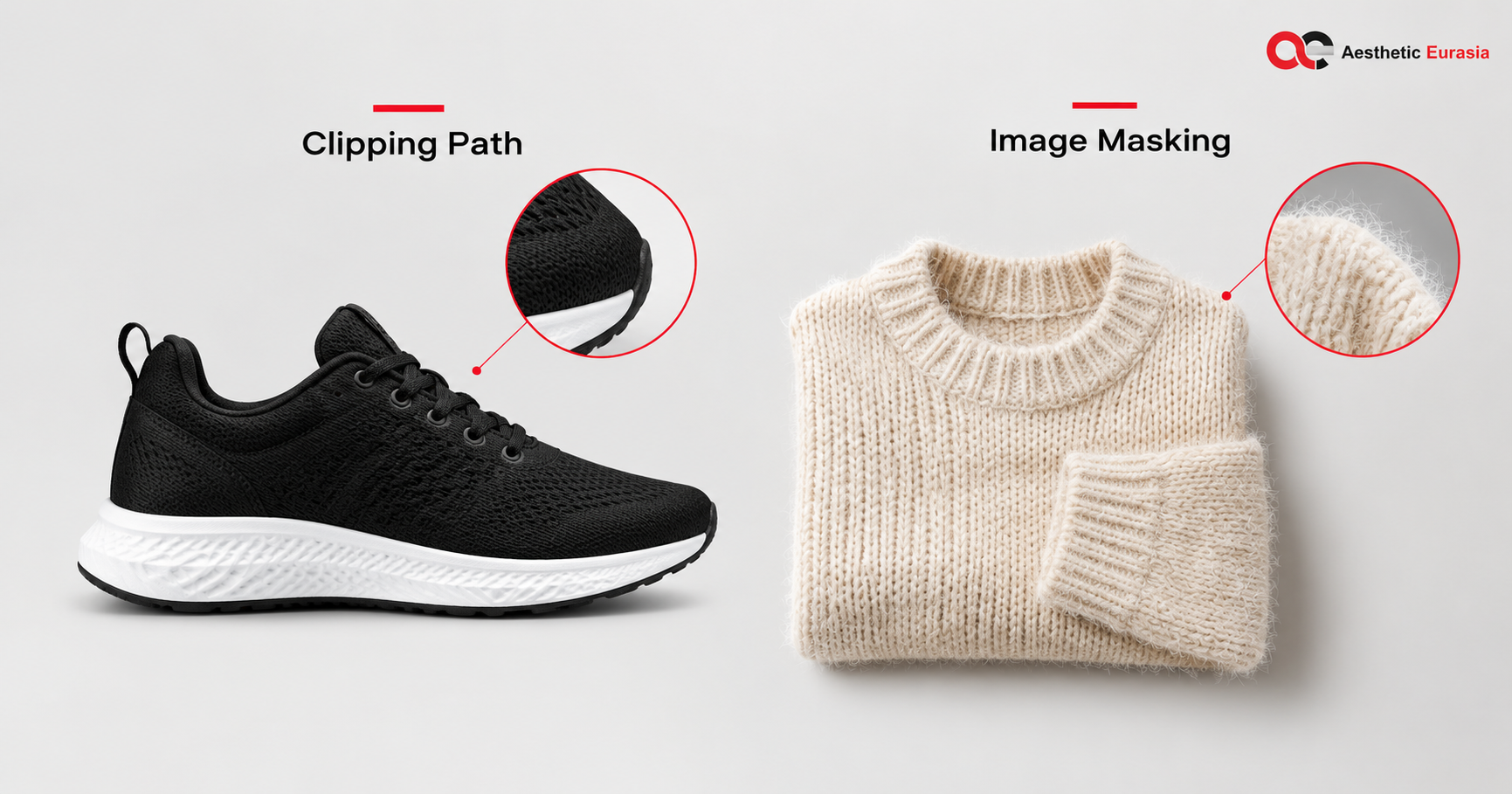
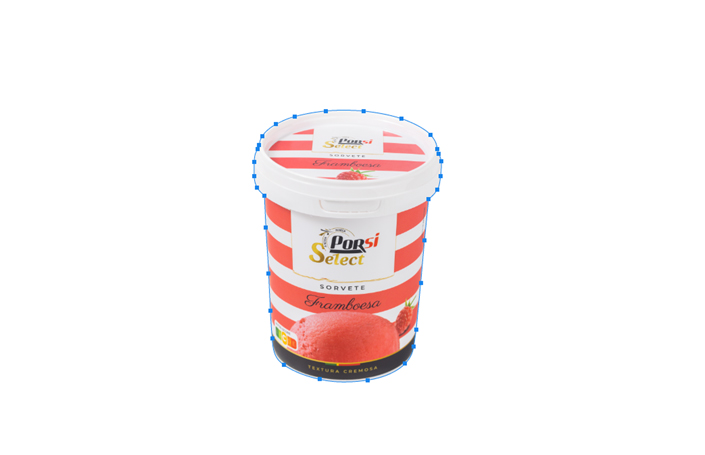
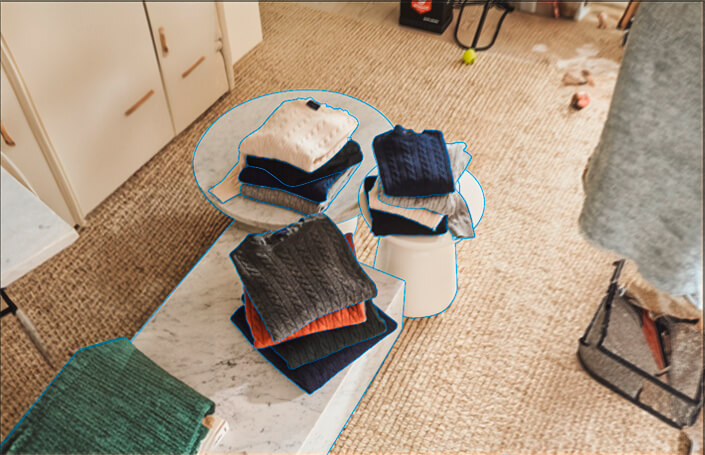
- Clipping path creates accurate product edges.
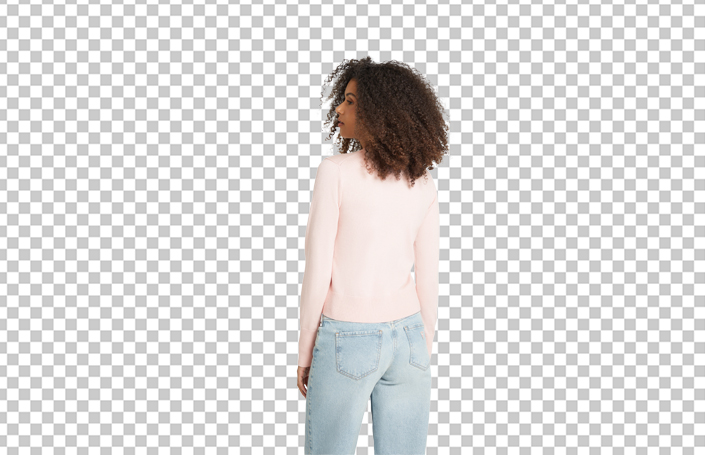
- Image masking handles complex edges such as hair, fur, or mesh.
- Image retouching removes dust, scratches, and other flaws.
- Color correction helps the product look true to life.
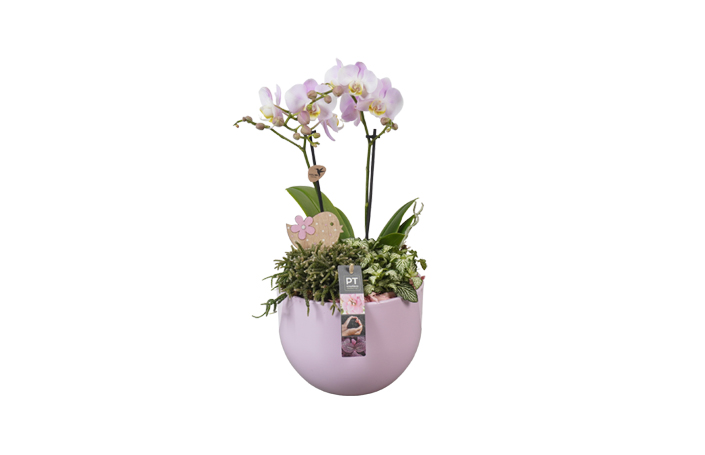
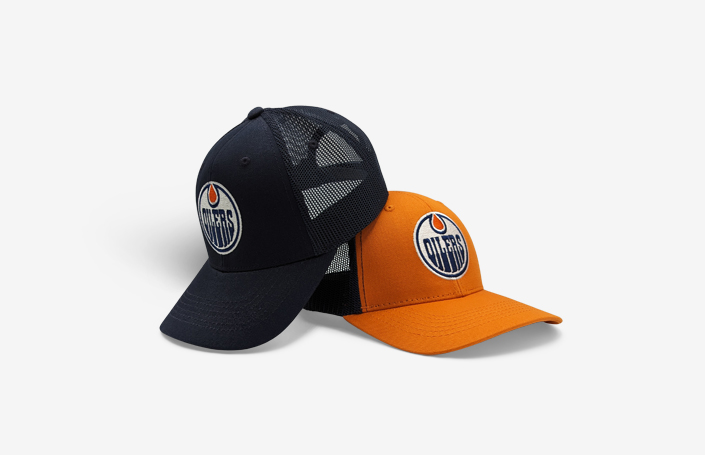
- Drop shadow adds a natural shadow so the product does not look like it is floating.
Editing prepares your images, but it cannot guarantee approval, rankings, or sales. For more detail, read the guide on removing backgrounds without losing detail, or see the full eCommerce image editing service.
Amazon Product Image Requirements Checklist
Before you upload, confirm each point:
- ☐ The main image has a pure white background (RGB 255, 255, 255).
- ☐ The product is clear, accurate, and fully visible.
- ☐ The file is JPEG, TIFF, PNG, or non-animated GIF.
- ☐ The size is within Amazon’s limits, ideally 1,000 pixels or more.
- ☐ The image is sharp and high quality.
- ☐ The main image has no text, logos, or promotional graphics.
- ☐ Additional images show useful details and use.
- ☐ Your category’s rules are checked.
Final Thoughts
Amazon product image requirements exist to help shoppers see exactly what they are buying. Check your background, size, format, and accuracy before every upload, and read the official guidelines again when you add a new product.
If your photos need cleaning up, Aesthetic Eurasia can help. Explore aestheticeurasia.com and contact the team for professional eCommerce image editing support.
Frequently Asked Questions
1. What is the required image size for Amazon product listings?
Amazon accepts images up to 10,000 pixels on the longest side. It recommends 1,000 pixels or more so shoppers can zoom. Check the official page for your marketplace.
2. Does Amazon require a white background for main images?
Yes. The main image needs a pure white background (RGB 255, 255, 255). A few categories have different rules, so check yours.
3. Can I add text to Amazon product images?
Not on the main image. Additional images give you more room, but they must stay accurate and follow Amazon’s rules.
4. How many images should I upload to an Amazon listing?
Every listing needs a main image. The number of extra slots can vary by category. Use enough images to show angles, details, and real use.
5. What happens if my Amazon product image does not meet Amazon’s requirements?
Amazon may reject the image or suppress the listing until you fix it. Correct the issue and upload a new image.

 (1).png)